
Tech Tutorial: Comparing Different Software Tools for Beginners

Starting with the right tools is one of the fastest ways for beginners to learn tech skills without getting overwhelmed. This tech tutorial: comparing different software tools will help you understand which types of software you actually need, how to evaluate them, and which beginner-friendly options are worth trying first. Instead of listing random apps, this guide compares tools by function, learning curve, cost, and real-world use.
If you are new to tech, your goal is not to find “the best” software in the world. Your goal is to choose tools that are simple, stable, and commonly used so you can build skills that transfer across jobs and projects.
Why Beginners Struggle When Choosing Software Tools
Most beginners fail not because they lack intelligence, but because they start with the wrong tools. Many people choose software based on popularity, ads, or influencer recommendations. The result is often a complicated tool that feels powerful but creates confusion.
Another common problem is switching tools too quickly. Beginners install five apps, test each for one day, then abandon all of them. This prevents learning because progress requires repetition and familiarity.
The best approach is to pick one tool per category, learn it to a basic level, then expand later. In a tech tutorial: comparing different software tools, the real value is understanding categories and decision criteria, not memorizing brand names.
Comparing Productivity Tools: Notes, Docs, and Task Management
Productivity tools are the foundation for beginners because they support learning, planning, and documentation. The key categories here are note-taking apps, document editors, and task managers. Each category has different strengths.
For note-taking, beginners usually choose between Notion, OneNote, Obsidian, or Google Keep. Notion is powerful but can distract you with endless customization. OneNote is easier for structured notes and works well for students and office tasks.
Obsidian is excellent for long-term knowledge building, but it has a steeper learning curve because it encourages linking systems and folder discipline. Google Keep is the simplest, but it is limited for serious study.
For documents, Google Docs is the most beginner-friendly because it is fast, collaborative, and works everywhere. Microsoft Word is still the standard in many offices, especially where formatting matters. Beginners should prioritize whichever is most common in their environment.
For task management, Trello is ideal for visual thinkers because it uses boards and cards. Todoist is better for people who want clean lists and recurring tasks. ClickUp is powerful but often too complex for beginners.
The best beginner setup is usually Google Docs + a simple task manager. Complexity should be earned through real needs, not curiosity.
Comparing Design and Content Tools: Canva, Figma, and Adobe Options
Many beginners want to learn content creation, UI design, or marketing materials. The problem is that design software ranges from extremely simple to professional-grade. Choosing wrong can slow learning.
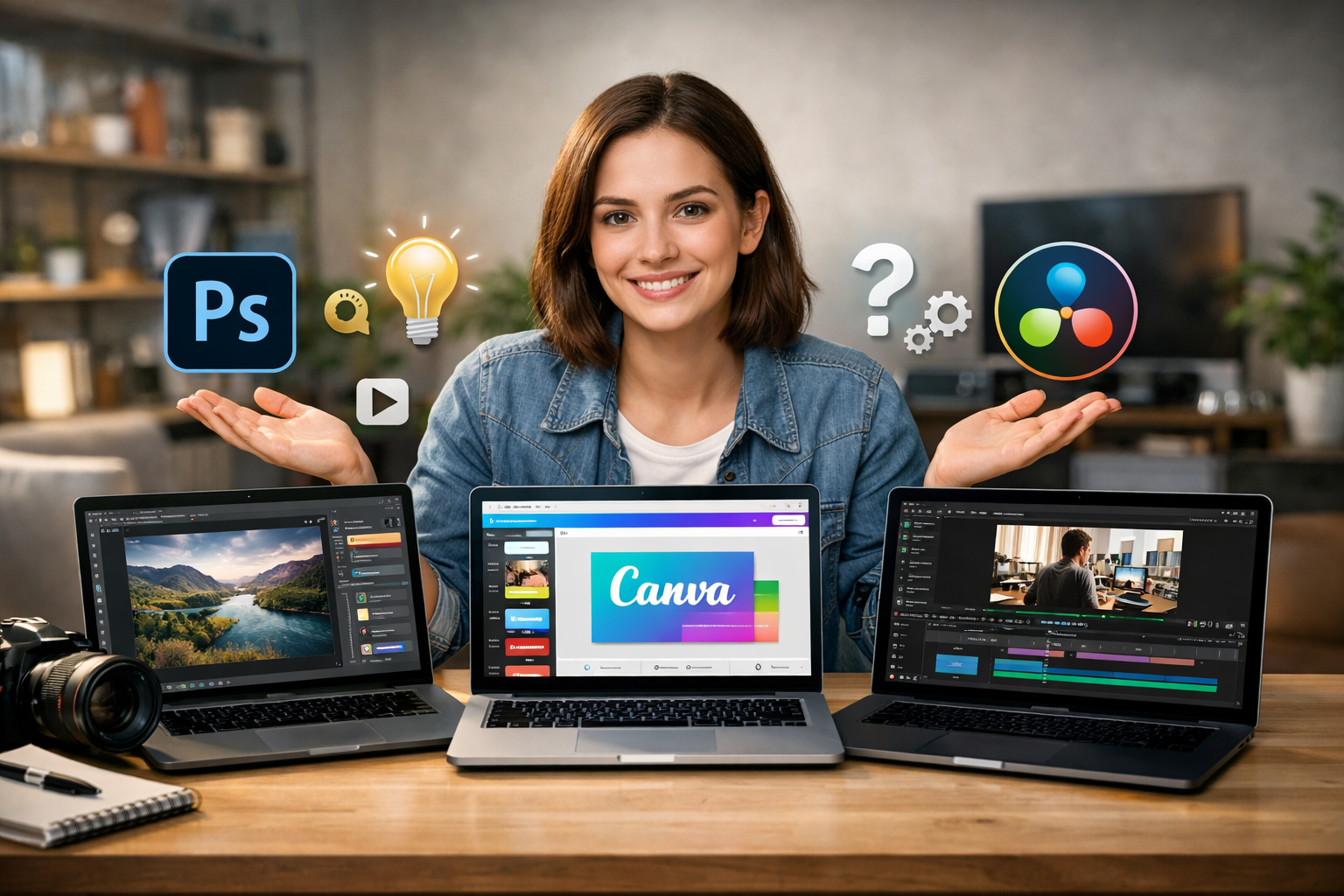
Canva is the fastest tool for beginners who want results immediately. It is template-driven, and it teaches basic design concepts like spacing, alignment, and typography. However, Canva is limited for serious UI design and advanced vector work.
Figma is the best tool for beginners who want to learn UI/UX design. It is free to start, widely used in tech companies, and encourages good structure. The learning curve is moderate, but the skills you gain transfer directly into professional workflows.
Adobe Photoshop and Illustrator are industry standards, but they are harder for beginners. They are also subscription-based, which adds cost pressure. Beginners often waste time learning advanced features they do not need.
If your goal is social media content, Canva is usually enough. If your goal is product design, start with Figma. If your goal is professional graphic design, Adobe becomes relevant later.
In any tech tutorial: comparing different software tools, design tools should be compared based on output type. Do not choose a tool based on brand reputation. Choose based on what you need to produce.
Comparing Coding Tools: VS Code, Replit, and Beginner IDEs
Coding tools are where many beginners get stuck, not because coding is impossible, but because the environment feels intimidating. A good coding tool should reduce friction, not add complexity.
VS Code is the most widely recommended tool for beginners and professionals. It is free, fast, and supports almost every programming language. The downside is that VS Code becomes confusing when beginners install too many extensions too early.
Replit is an online coding platform that lets you start instantly without installing anything. This is excellent for absolute beginners because it removes setup problems. The limitation is that some projects and advanced workflows are harder to run online.
PyCharm and IntelliJ are powerful IDEs, especially for Python and Java. They provide strong guidance and error checking, but they can feel heavy. Beginners may struggle with the number of features on screen.
If you are learning programming for the first time, start with Replit for the first week to reduce setup frustration. Then move to VS Code once you understand basic coding concepts. This is a practical pattern that many beginners succeed with.
A strong beginner workflow is: VS Code + GitHub + a simple terminal. That combination builds real-world skills.
Comparing Collaboration Tools: Slack, Discord, Zoom, and Google Meet
Collaboration tools matter because learning tech often requires teamwork, mentorship, or remote communication. Beginners should understand the differences between chat platforms and meeting platforms.
Slack is the standard in many companies for professional communication. It is organized around channels and threads, and it supports integrations. Beginners should learn Slack etiquette because it is a workplace skill, not just a tool.
Discord is common in communities, gaming, and developer groups. It is great for informal learning and joining communities, but it is less structured than Slack. Beginners sometimes get distracted because Discord is designed for social engagement.
For video meetings, Zoom is strong for formal meetings, screen sharing, and reliability. Google Meet is simpler and works well if you use Google Workspace. Microsoft Teams is common in corporate environments, but it can feel heavy and confusing for beginners.
A beginner should not overthink this category. Use what your school, job, or community already uses. The key skill is learning how to communicate clearly, share screens, and document outcomes.
How to Choose the Right Tool: A Simple Beginner Framework
Beginners often ask, “Which tool is best?” That question is too broad. A better question is, “Which tool is easiest to learn while still being useful later?” This is the core idea behind tech tutorial: comparing different software tools.
Start by evaluating tools using four criteria: learning curve, stability, cost, and transferable skills. A tool is beginner-friendly if it is easy to start, does not crash, and has tutorials available.
Next, check whether the tool is widely used. Popularity is not everything, but widely used tools have better documentation and community support. They also teach skills that employers recognize.
Avoid tools that are “all-in-one” unless you already know what you need. All-in-one platforms often become complicated and create decision fatigue. Beginners learn faster with simple, focused tools.
Finally, choose one tool per category and commit for at least 2–4 weeks. Switching tools constantly destroys learning momentum. Consistency matters more than the brand.
Conclusion
This tech tutorial: comparing different software tools shows that beginners succeed faster when they choose simple, widely used tools in each category and stick with them long enough to build real skills. Productivity tools help you stay organized, design tools help you create, coding tools help you build, and collaboration tools help you work with others. The best tool is the one you can learn quickly and use consistently in real projects.
FAQ
Q: What is the best software tool for beginners overall? A: There is no single best tool; beginners should choose one tool per category based on simplicity, stability, and common use.
Q: Should beginners start with free tools or paid tools? A: Beginners should start with free tools until they understand their needs, then upgrade only when the limitations become real.
Q: Is VS Code too advanced for beginners? A: VS Code is beginner-friendly if you keep it simple and avoid installing too many extensions early.
Q: Should I learn Canva or Figma first? A: Learn Canva for quick content creation, and learn Figma if you want skills in UI/UX and product design.
Q: How long should I stick with one tool before switching? A: At minimum, commit 2–4 weeks to one tool so you can build familiarity and avoid restarting the learning process.
