
Essential Tech Tutorial for Hardware Maintenance Made Simple
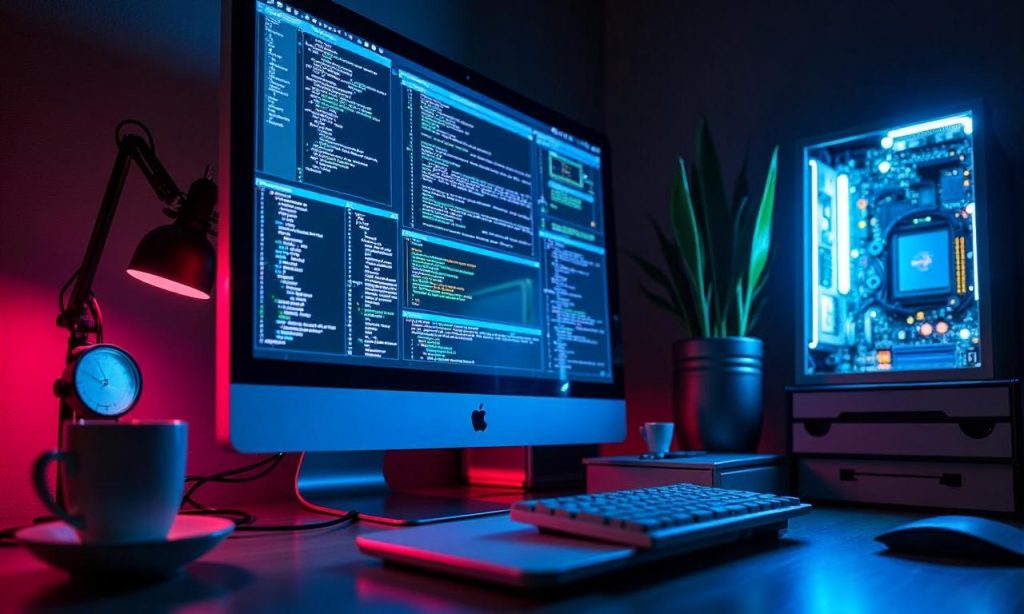
In today’s fast-paced digital world, hardware maintenance is a crucial skill for anyone relying on technology for work, study, or daily life. Whether you’re a tech enthusiast, a professional, or a student, understanding how to maintain hardware properly can save you from costly repairs, system crashes, and downtime. This tech tutorial on hardware maintenance provides a clear and accessible guide to help you master the essentials without needing advanced expertise. From simple cleaning routines to troubleshooting common issues, the article breaks down each step in a way that’s easy to follow and apply. Whether you’re dealing with desktops, laptops, servers, or mobile devices, these techniques will ensure your hardware runs smoothly and lasts longer.
Understanding the Basics of Hardware Maintenance
Hardware maintenance is more than just replacing parts—it’s about understanding how components work together and taking proactive steps to keep them in optimal condition. A tech tutorial on hardware maintenance should begin by explaining the foundational concepts that every user needs to know. For instance, knowing the difference between internal and external components can help you identify which parts require attention. Internal components like the CPU, motherboard, RAM, and hard drives are the backbone of your device, while external elements such as USB ports, speakers, and keyboards are equally vital for functionality. Regular maintenance ensures these parts remain clean, free from dust, and operating at peak efficiency.
Identifying Key Hardware Components
Before diving into maintenance routines, it’s essential to identify key hardware components that are most prone to wear and tear. The central processing unit (CPU) is responsible for executing instructions and managing tasks, so ensuring it stays cool is a top priority. A motherboard, which acts as the central hub connecting all parts, can suffer from overheating or electrical issues if not maintained. RAM and storage drives also require attention, especially when it comes to performance optimization. For example, cleaning RAM slots regularly can prevent dust buildup, which might cause intermittent connectivity issues. Additionally, power supply units (PSUs) are critical for delivering stable electricity to your system, and a faulty PSU can lead to unexpected shutdowns or hardware damage.
Daily vs. Weekly Maintenance Tasks
Not all hardware maintenance tasks are the same. Some, like checking for dust accumulation, can be done daily, while others, such as replacing filters or updating firmware, might take a few days. A tech tutorial on hardware maintenance often emphasizes the importance of balancing frequency with thoroughness. For instance, daily tasks include wiping down keyboards, monitoring temperature with software tools, and ensuring cables are neatly organized to avoid strain. On the other hand, weekly checks might involve cleaning the interior of devices using compressed air, inspecting for loose connections, or running diagnostic programs to identify potential issues. These routines not only extend the lifespan of your hardware but also reduce the risk of sudden failures.
The Role of Environmental Factors
Hardware performance is heavily influenced by its environment. Temperature, humidity, and dust levels can all impact the longevity and efficiency of your devices. For example, high temperatures can cause components to overheat, leading to reduced performance or even permanent damage. A tech tutorial on hardware maintenance often highlights the importance of placing devices in well-ventilated areas and using cooling solutions like fans or heat sinks. Similarly, humidity can lead to condensation inside devices, which might short-circuit sensitive electronics. Regularly checking for moisture and using desiccants or silica gel packets in storage areas can mitigate this risk. By accounting for environmental factors, you create a safer and more reliable setup for your hardware.
Essential Tools for Effective Hardware Maintenance
Having the right tools is a game-changer when it comes to tech tutorial on hardware maintenance. The tools you choose can make the difference between a simple, efficient process and a complicated one that takes hours. Let’s explore the essential tools that every user should keep handy and how to use them effectively.
Basic Tools Every User Should Have
For most basic maintenance tasks, a set of universal tools can cover a wide range of needs. A soft-bristled brush or compressed air canister is indispensable for removing dust from components without causing damage. Anti-static wrist straps are also critical when handling sensitive electronics to prevent static electricity from harming delicate parts. Screwdrivers—both flathead and Phillips—are necessary for opening devices and accessing internal components. Additionally, multimeters and thermal paste are useful for more advanced troubleshooting, such as testing voltages or reapplying heat dissipation materials. These basic tools are affordable and easy to store, making them a must-have for any hardware enthusiast.
Advanced Tools for Complex Maintenance
If you’re looking to tackle more complex hardware maintenance tasks, advanced tools can provide greater precision and efficiency. Precision screwdrivers with interchangeable tips are ideal for working on small components like motherboard connectors or RAM modules. A lens loupe or magnifying glass helps you inspect tiny details like solder joints or damaged circuits. Oscilloscopes and logic analyzers are used for diagnosing electrical signals, while cable testers ensure that network cables or USB connections are functioning correctly. These advanced tools might be more expensive, but they are worth the investment if you frequently work on high-performance devices or need to perform in-depth diagnostics.
How to Use Tools Safely and Effectively
Even the best tools can be dangerous if not used correctly. A tech tutorial on hardware maintenance should stress the importance of proper tool usage. For example, always disconnect the power source before opening a device to avoid electric shocks. When cleaning components, use compressed air instead of damp cloths to prevent water damage. Screwdrivers should be used with care, especially when working with sensitive connectors that can be easily damaged. Additionally, thermal paste must be applied evenly to ensure optimal heat transfer between the CPU and heatsink. By following these guidelines, you minimize the risk of accidental damage and maximize the effectiveness of your maintenance efforts.
Common Hardware Maintenance Tasks
Regular hardware maintenance tasks are the foundation of keeping your devices running smoothly. These tasks are simple to perform and can be integrated into your routine without requiring a lot of time or effort. From basic cleaning to software updates, each step contributes to the overall performance and reliability of your hardware.
Cleaning Components to Prevent Dust Buildup
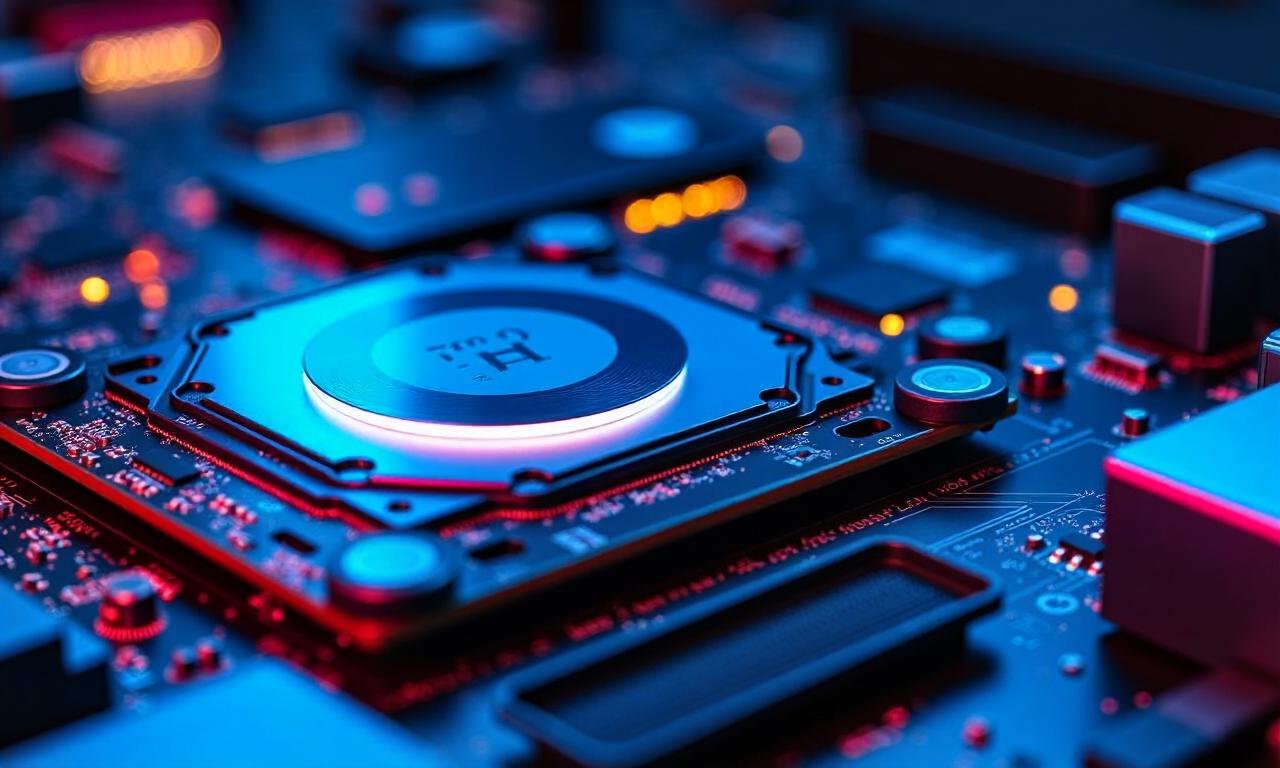
Dust is one of the most common culprits of hardware failure. Over time, accumulated dust can block airflow, leading to overheating and reduced lifespan of components. A tech tutorial on hardware maintenance often recommends cleaning components at least once a month. Start by powering off the device and unplugging it to ensure safety. Use a soft brush or compressed air to remove dust from fans, vents, and internal components. For hard-to-reach areas, a small vacuum cleaner with a brush attachment can help. Don’t forget to wipe down the exterior with a microfiber cloth to prevent scratches and maintain a clean appearance. Regular cleaning not only improves performance but also makes troubleshooting easier in case of issues.
Updating Software and Drivers
While software updates might seem unrelated to hardware, they play a critical role in maintenance. Outdated drivers can cause compatibility issues, sluggish performance, and even system crashes. A tech tutorial on hardware maintenance should guide users through the process of checking for updates. On Windows, Device Manager allows you to view and update drivers, while macOS users can rely on System Preferences to manage software installations. Additionally, firmware updates for components like motherboards or SSDs can improve efficiency and fix known bugs. Make sure to backup your data before performing updates to avoid data loss in case of unexpected errors.
Checking Cables and Connections
Loose cables and faulty connections are a frequent cause of hardware malfunctions. Whether it’s a USB port, HDMI cable, or power supply, ensuring secure connections is part of routine maintenance. A tech tutorial on hardware maintenance often includes checking cables for physical damage, such as frayed wires or worn-out connectors. Testing connections with a multimeter or cable tester can help identify issues like broken circuits or inadequate signal strength. For external devices, inspecting ports for debris or corrosion is also important. By regularly checking cables and connections, you prevent unexpected disconnections and ensure smooth operation.
Battery Management for Portable Devices
For portable devices like laptops, tablets, or smartphones, battery management is a key aspect of hardware maintenance. Old batteries can lose capacity over time, leading to shorter battery life or unexpected shutdowns. A tech tutorial on hardware maintenance typically covers battery health checks and charging habits to prolong battery life. Using original chargers ensures that charging cycles are consistent and safe for the battery. Avoiding full discharge regularly helps maintain battery efficiency. Additionally, checking for swelling or leakage in batteries is crucial, as these signs indicate potential damage. By implementing proper battery management practices, you can maximize device longevity and reduce the risk of battery-related failures.
Advanced Tips for Optimizing Hardware Performance
Once you’ve mastered the basic maintenance tasks, it’s time to delve into advanced tips that can further enhance your tech tutorial on hardware maintenance. These strategies are designed for users who want to go beyond routine care and optimize their hardware for maximum performance.
Troubleshooting Common Hardware Issues
Troubleshooting is an essential skill that every hardware maintainer should develop. When a device fails to boot, freezes, or exhibits strange behavior, knowing how to diagnose the problem can save you time and effort. Start by checking power supply—a faulty PSU can cause system instability. Then, inspect components like RAM or hard drives for physical damage or errors. Using diagnostic tools like MemTest86 or CrystalDiskInfo can help identify issues quickly. If hardware is overheating, cleaning fans and reapplying thermal paste might be the solution. By mastering troubleshooting techniques, you can address problems before they escalate and prevent data loss.
Implementing Preventive Maintenance Strategies
Preventive maintenance is about anticipating problems before they occur. A tech tutorial on hardware maintenance often highlights strategies like regularly checking for software updates, monitoring system temperatures, and backing up data. For example, using software tools like HWMonitor or Core Temp allows you to track hardware temperatures in real time, helping you detect overheating early. Creating a maintenance schedule ensures that tasks like cleaning or checking cables are not overlooked. Additionally, using surge protectors and UPS systems can protect against power fluctuations that might damage sensitive components. By implementing these strategies, you create a reliable and durable system that minimizes unexpected failures.
Staying Updated with New Maintenance Techniques
Technology evolves rapidly, so it’s important to stay updated with new maintenance techniques. A tech tutorial on hardware maintenance should encourage users to follow reputable sources for the latest guides and tools. For example, new cleaning methods might involve specialized solvents or microfiber cloths with anti-static properties. Advancements in thermal paste have also led to longer-lasting solutions that improve heat dissipation. Learning about firmware updates or BIOS settings can further optimize hardware performance. By continuously educating yourself, you can adapt to changes in hardware technology and maintain your devices more effectively.
Customizing Maintenance Routines for Different Devices
Every device has unique maintenance needs, so customizing your routines is key to maximizing effectiveness. For desktop computers, focus on internal cleaning and component upgrades. For laptops, pay special attention to ventilation and battery health. Smartphones require screen protectors and cases to prevent physical damage, while servers might need regular disk checks and cooling system maintenance. A **tech
