
Best Tech Tutorial for Coding Beginners: Step-by-Step Guide
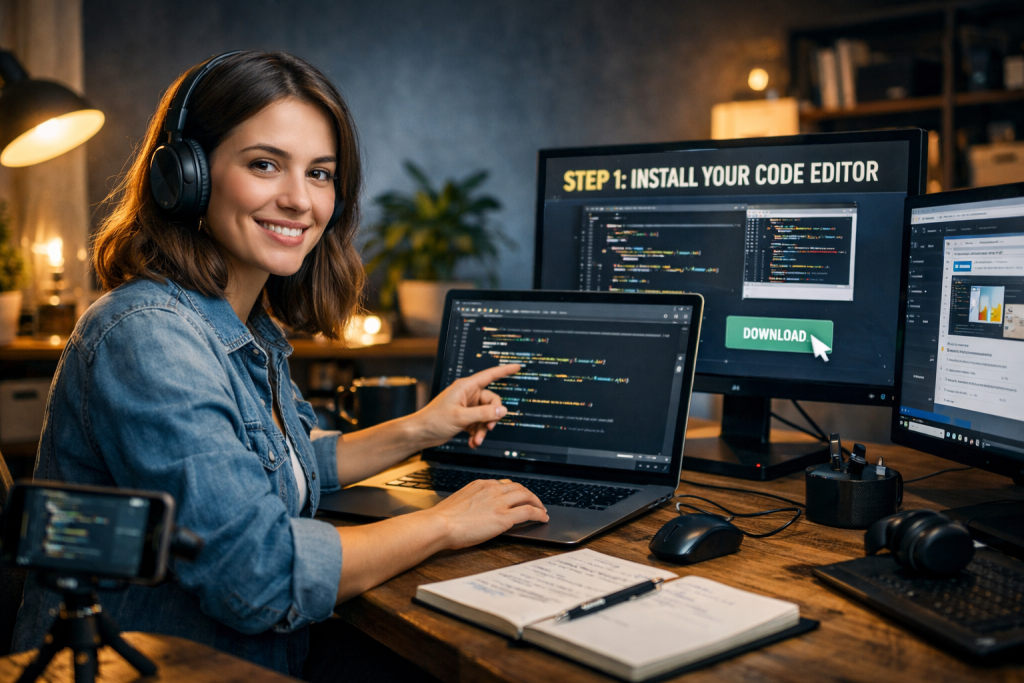
Learning to code can feel overwhelming at first, especially when you are faced with dozens of programming languages, tools, and learning platforms. The best tech tutorial for coding beginners is not the one with the most advanced features, but the one that explains fundamentals clearly, step by step, and builds real understanding. Beginners need structured guidance, practical exercises, and a logical progression from simple concepts to small projects. This guide explains how to choose and follow a tutorial that actually works.
Coding is not about memorizing syntax. It is about understanding logic, structure, and problem-solving patterns. A strong tutorial simplifies these ideas and helps beginners build confidence through consistent practice. With the right approach, anyone can move from zero knowledge to writing functional programs.
What Makes the Best Tech Tutorial for Coding Beginners Effective
The best tech tutorial for coding beginners always starts with fundamentals. It introduces concepts like variables, data types, conditionals, and loops before moving to complex topics. Without a solid foundation, learners struggle when code becomes more advanced.
Clarity is critical. Explanations should be short, direct, and supported by examples. Good tutorials show how code works line by line rather than presenting large blocks of unexplained syntax. Beginners must understand not just what to write, but why it works.
Step-by-step progression is another key factor. Each lesson should build on the previous one. Jumping too quickly into frameworks or advanced tools creates confusion and discouragement.
Practical exercises reinforce understanding. Tutorials that include small tasks after each lesson improve retention. Writing code yourself is more effective than simply watching or reading.
Choosing the Right Programming Language as a Beginner
Many beginners fail because they choose a language that is too complex at the start. The best tech tutorial for coding beginners usually recommends beginner-friendly languages such as Python, JavaScript, or HTML and CSS.
Python is widely considered ideal for beginners. Its syntax is clean and readable, making it easier to focus on logic rather than formatting rules. It is also used in web development, automation, data science, and artificial intelligence.
JavaScript is essential for web development. If your goal is building interactive websites, JavaScript is a practical starting point. Many tutorials combine HTML, CSS, and JavaScript to help learners build simple web pages early.
The key is alignment with your goal. If you want to build websites, start with web technologies. If you are interested in data or automation, Python may be better. Avoid learning multiple languages at once in the early stage.
Step-by-Step Learning Path for Coding Beginners
A structured roadmap prevents confusion. The best tech tutorial for coding beginners typically follows a clear sequence.
First, learn basic syntax and structure. This includes variables, operators, and simple input-output operations. Understanding how programs execute from top to bottom is essential.
Second, study control flow. Concepts like if statements, loops, and logical operators allow programs to make decisions. These form the backbone of problem-solving in programming.
Third, move to functions. Functions organize code into reusable blocks. Learning how to define and call functions improves structure and clarity.
Fourth, understand data structures such as arrays (lists) and dictionaries. These allow you to store and manipulate multiple values efficiently.
Finally, apply knowledge through small projects. Simple calculators, to-do lists, or basic web pages help convert theory into practical skill.
Tools and Environment Setup for Beginners
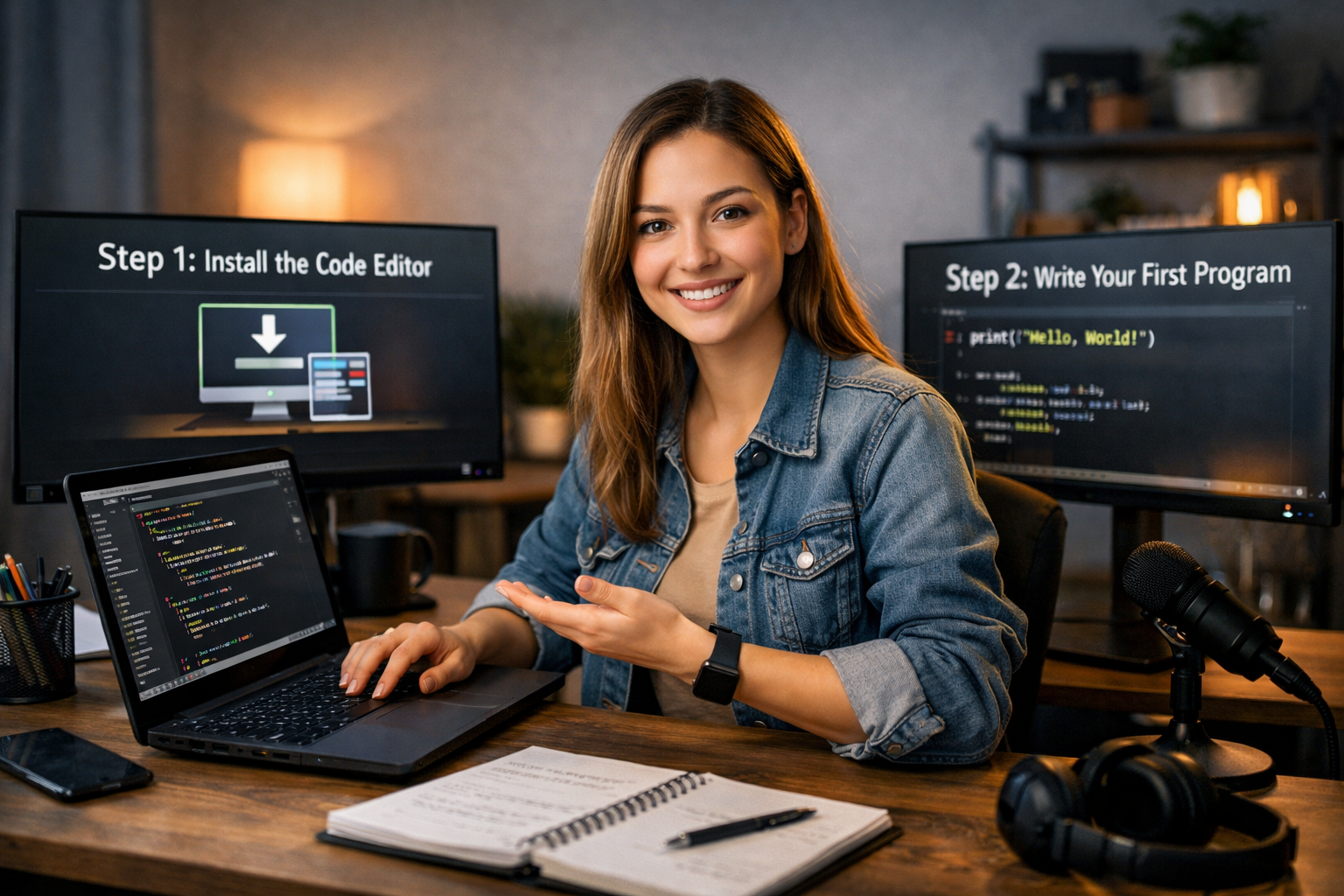
Even the best tutorial fails if the setup process is confusing. Beginners should start with simple tools. A lightweight code editor such as Visual Studio Code is sufficient for most languages.
For Python, install the official interpreter and run programs directly from the editor. For web development, use a browser and basic text editor without additional complexity.
Avoid advanced tools early on. Frameworks, package managers, and deployment systems can wait. The priority is understanding code, not mastering tooling.
Online coding platforms can also help. Some tutorials provide browser-based coding environments. These remove installation barriers and allow immediate practice.
Consistency in setup is important. Use one environment and stick with it while learning fundamentals.
Common Mistakes Beginners Should Avoid
Many learners quit because they move too fast. The best tech tutorial for coding beginners emphasizes patience and repetition.
One common mistake is passive learning. Watching videos without typing code leads to shallow understanding. Writing code independently is necessary for long-term retention.
Another mistake is copying solutions without thinking. Struggle is part of learning. When errors appear, read them carefully and debug step by step.
Overloading information is also harmful. Learning multiple languages, frameworks, and tools simultaneously reduces clarity. Focus on one path until you are comfortable.
Comparing progress to others creates unnecessary pressure. Coding is a skill developed through practice, not competition.
How to Reinforce Learning Through Practice
Practice transforms knowledge into skill. The best tech tutorial for coding beginners includes structured exercises and mini-projects.
Start with small coding challenges. Solve problems that require loops, conditions, and functions. Repetition strengthens understanding of logic patterns.
Build small personal projects. Even a simple task manager or number guessing game develops practical ability. Projects force you to think independently.
Review your own code. Refactor it for clarity and simplicity. Clean code improves readability and professional habits.
Gradually increase difficulty. Once basic concepts feel natural, explore simple APIs, file handling, or interactive web elements.
Measuring Progress and Staying on Track
Progress in coding is measured by capability, not by hours spent. If you can solve problems independently and explain how your code works, you are improving.
Track milestones instead of vague goals. For example, complete 20 small exercises, build three mini-projects, or understand core syntax without reference.
Revisit earlier lessons occasionally. Reinforcement strengthens memory and prevents gaps in understanding.
The best tech tutorial for coding beginners supports steady improvement rather than fast results. Long-term consistency leads to confidence and real competence.
Conclusion
The best tech tutorial for coding beginners is structured, practical, and focused on fundamentals. It introduces core concepts step by step, encourages active practice, and avoids unnecessary complexity. Beginners who follow a clear roadmap, practice consistently, and focus on one language at a time build a strong foundation. Coding mastery begins with disciplined learning and structured progression.
FAQ
Q: What is the best programming language for beginners? A: Python is widely recommended due to its simple syntax and versatility, but JavaScript is ideal if your goal is web development.
Q: How long does it take to learn basic coding? A: With consistent practice, most beginners can understand fundamentals within two to three months.
Q: Should beginners start with online courses or books? A: Both can work, but interactive tutorials with exercises often produce faster practical results.
Q: Do I need advanced math skills to start coding? A: No, basic logic and problem-solving skills are enough for most beginner-level programming.
Q: How can I know if a tutorial is suitable for beginners? A: It should start with fundamentals, explain concepts clearly, include exercises, and progress step by step without skipping core topics.
